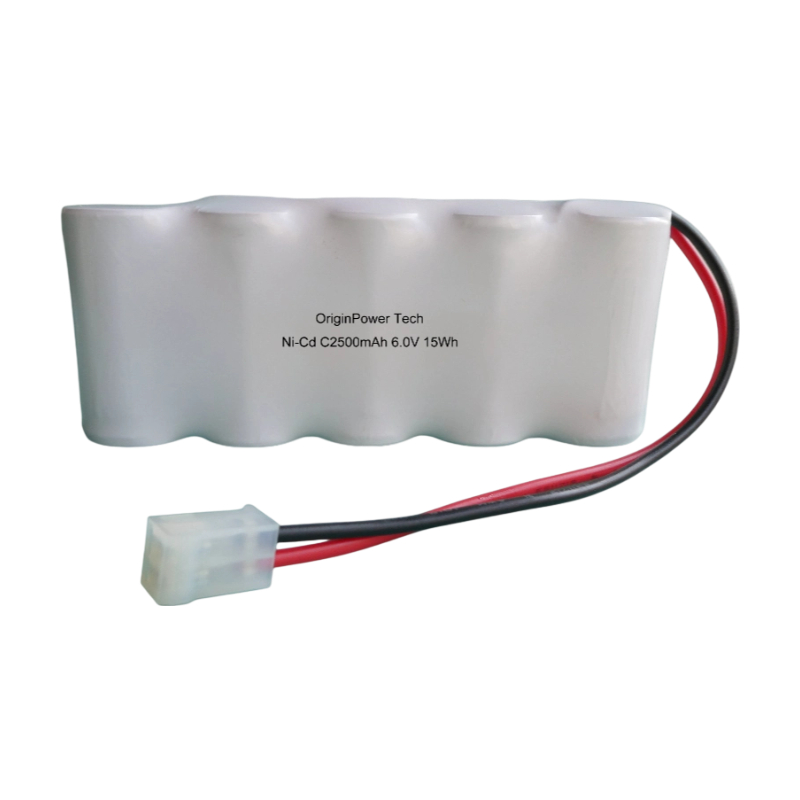
How to Charge Nickel Cadmium Batteries in Cells or Packs
Charging nickel cadmium (Ni-Cd) batteries can be perplexing for many users. As a Ni-Cd battery manufacturer, we understand that users may struggle with achieving the optimal charging conditions, resulting in decreased battery lifespan or insufficient power for their applications. This article aims to address common challenges, such as undercharging, overcharging, and the appropriate charging methods for both cell and pack configurations while providing actionable solutions and step-by-step guidance.
Required Preparation to Charge Ni-Cd Batteries
Before beginning the charging process, ensure you have the following materials, tools, and prerequisites:
- Ni-Cd batteries (either individual cells or packs)
- A compatible Ni-Cd battery charger
- Multimeter for voltage monitoring
- Safety goggles and gloves
- Charging area free from flammable materials
Step-by-Step Guidance for Charging Ni-Cd Batteries
Follow this detailed procedure to charge your Ni-Cd batteries effectively:
- Inspect Batteries: Before charging, check batteries for any signs of damage or leaks. If any cell appears swollen or corroded, dispose of it according to local waste regulations.
- Set Up Charging Area: Prepare a well-ventilated workspace free from flammable materials. Ensure your charger is compatible with the voltage and configuration of your Ni-Cd batteries.
- Measure Cell Voltage: Use a multimeter to measure the voltage of each cell. This helps determine the state of charge and ensures you’re starting with batteries that are safe to charge.
- Connect Charger: Connect your Ni-Cd battery charger according to the manufacturer's instructions. Ensure the positive and negative terminals are properly aligned.
- Set Charging Parameters: Many Ni-Cd batteries require a charging current between 0.1 to 1C (C being the capacity of the battery). Set your charger to the appropriate current based on the specifications of your cells or packs.
- Initiate Charging: Start the charging process. Most Ni-Cd chargers automatically switch to trickle charge mode when the batteries are nearly full. Charging typically takes 1 to 5 hours, depending on the battery's capacity.
- Monitor Charging Progress: Regularly check the temperature of the batteries during charging. If the batteries become excessively hot (>60°C), discontinue the charge immediately.
- Disconnect Charger: Once fully charged, disconnect the charger, and allow the batteries to cool down before use.
- Store Properly: If batteries are not used immediately, store them in a cool, dry place. Use your voltmeter to check the voltage every few months to keep them healthy.
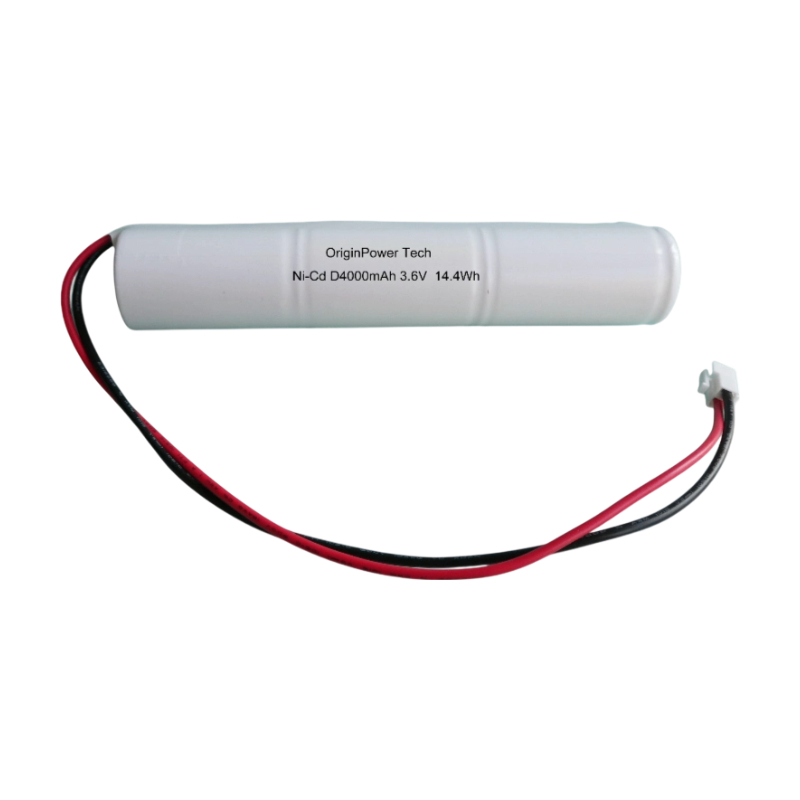
Common Errors in Charging Ni-Cd Batteries and Solutions
When charging Ni-Cd batteries, users often encounter several common issues:
- Overcharging: Overcharging can lead to thermal runaway. Always use a charger with an automatic cut-off feature.
- Memory Effect: If batteries are regularly recharged before a full discharge, they may exhibit reduced capacity. To counteract this, perform a full discharge once every 10 cycles.
- Incorrect Charger Settings: Using the wrong settings can damage the batteries. Ensure you are familiar with your charger’s specifications and the recommended current values.
Summary and Suggestions
Successfully charging Ni-Cd batteries requires attention to detail and adherence to safe handling practices. Remember to regularly check battery health, avoid frequent shallow discharges, and use the right chargers to enhance battery life. As a user, engaging with trusted manufacturers like Originpower can provide additional resources and quality products designed specifically for optimal performance.
FAQ
- How long do Ni-Cd batteries take to charge?
- Charging time typically ranges from 1 to 5 hours, depending on the battery capacity and charger capabilities.
- What should I do if my Ni-Cd battery doesn’t hold a charge?
- Consider whether the memory effect is impacting capacity. If so, perform a complete discharge and recharge cycle periodically to restore the battery.
- Can Ni-Cd batteries be charged with a lithium-ion charger?
- No, using a lithium-ion charger can cause severe damage. Always use the appropriate charger for your battery type.